EN

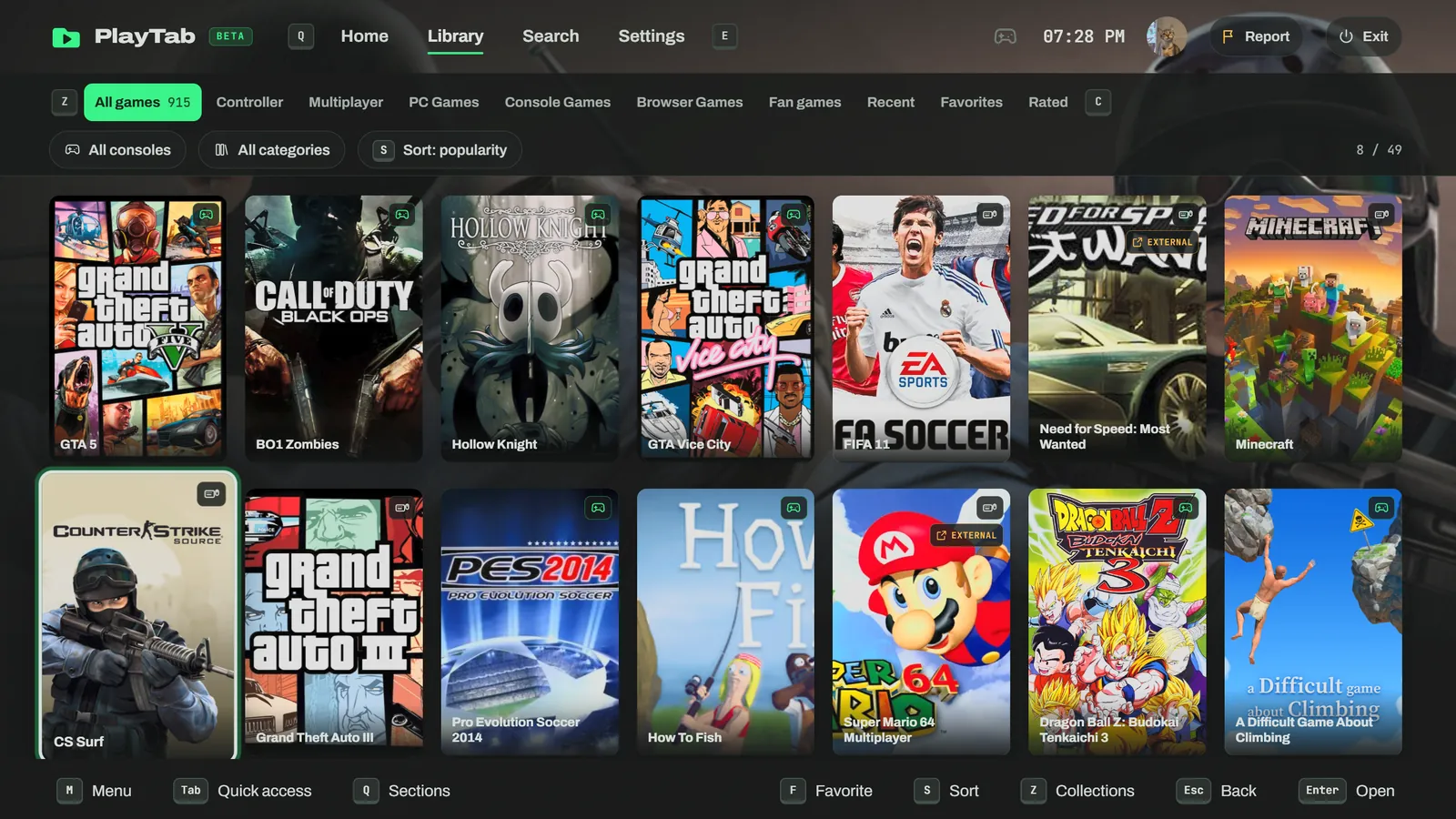
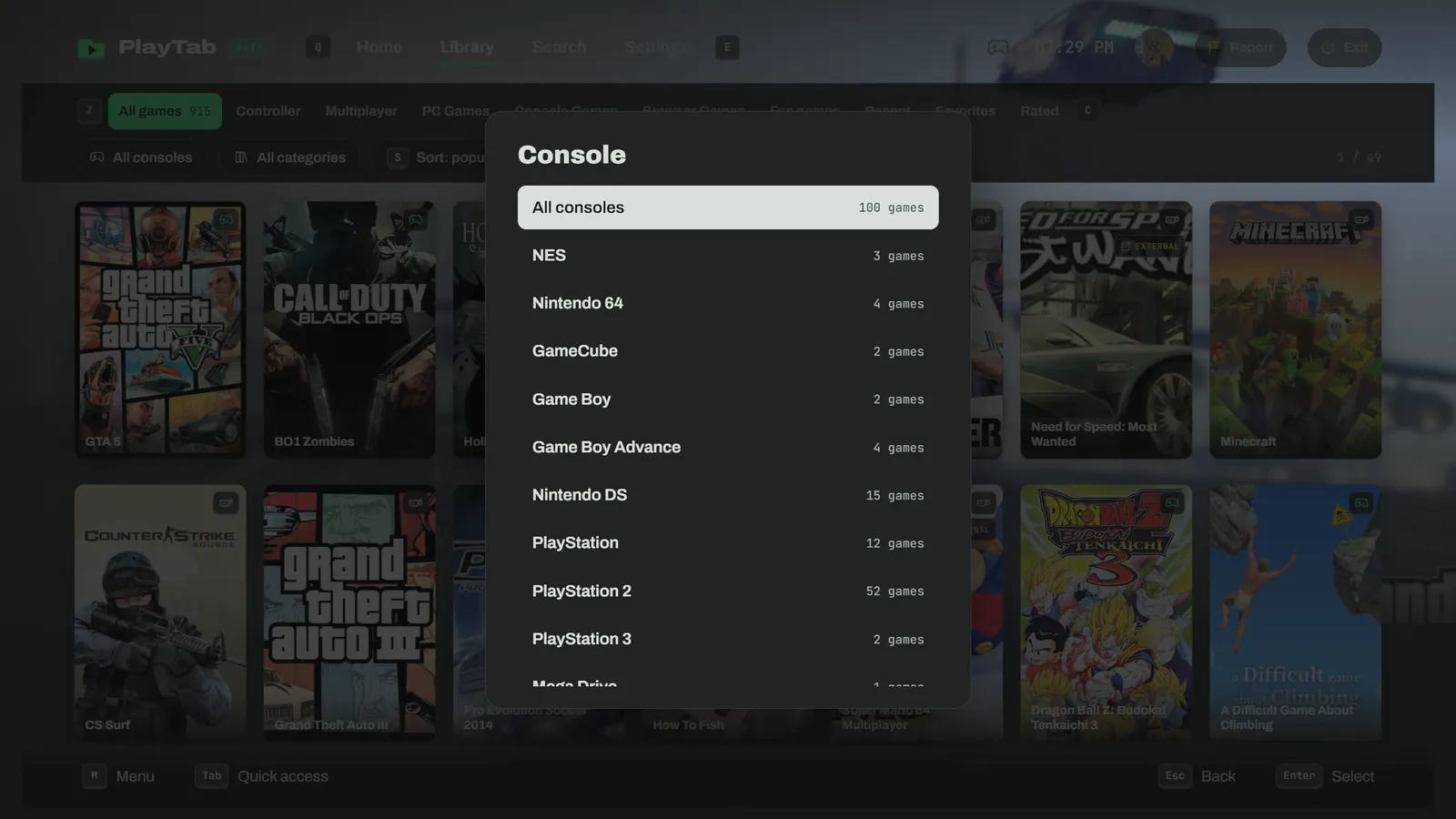
Categories and sorting

Sort

Categories

My list

My account

Desktop app · Free

PlayTab on your computer

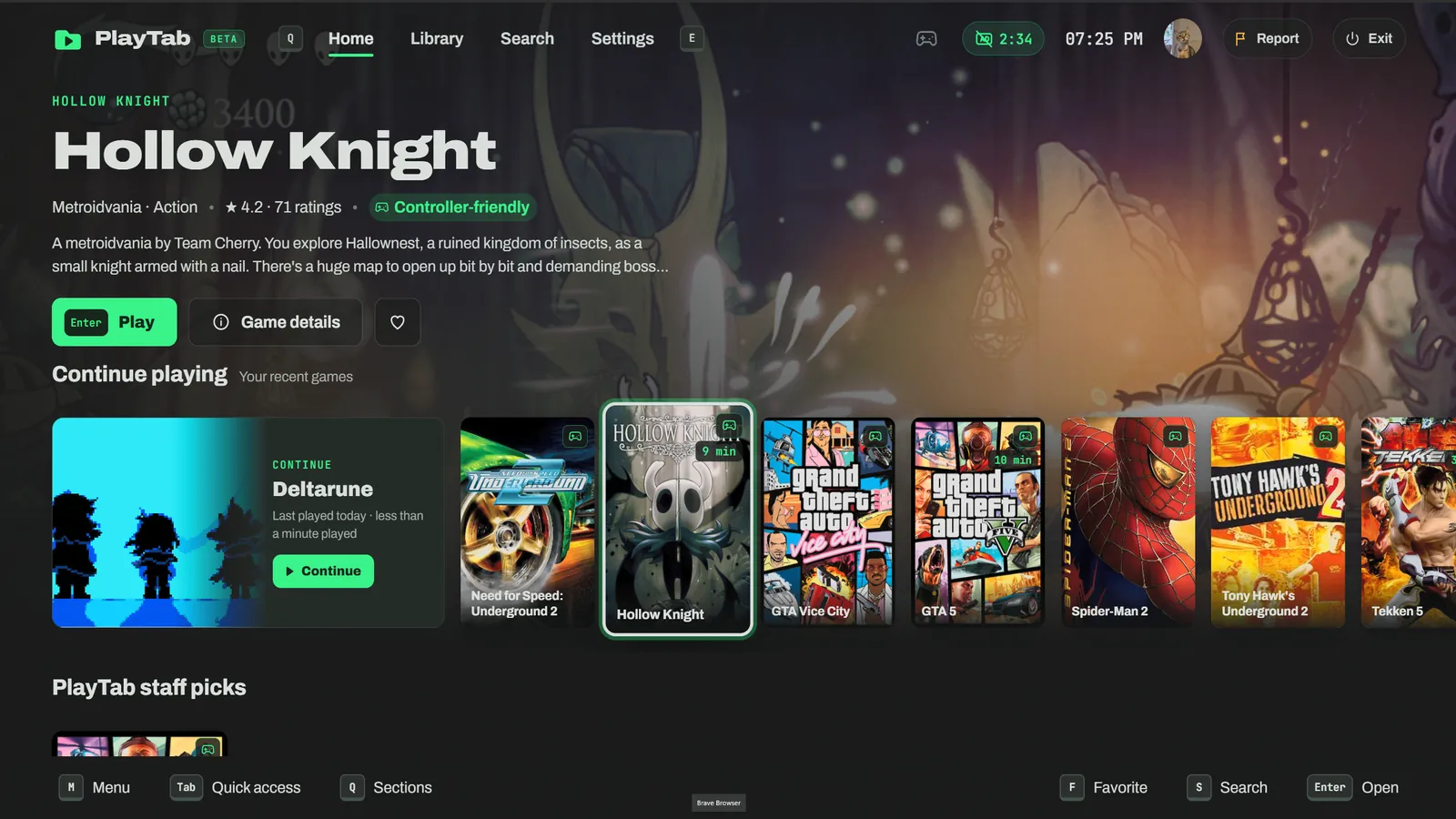
Big Picture in its own window, like a console: open it from your desktop, grab your controller, play. No tabs, no browser bar.

Download for WindowsWindows 10 and 11 · 64-bit · Version 1.0.0 · 116 MB

On a phone or tablet, play right in your browser with Big Picture. Open Big Picture →
Other systems macOS · Soon Linux · Soon

Why the app?

All of Big Picture, plus what a browser can’t do.

Straight to full screenThe app opens full size, no tabs or address bar. Your PC becomes a console.
Controller readyXbox, PlayStation or Switch: it works from launch, with the right buttons and rumble.
Always up to dateThe app updates itself. New games show up without reinstalling anything.
Discord statusFriends see what you’re playing, with the game cover and a button to join you.
Black screen? Fixed for youIf your graphics card acts up, the app notices and restarts in compatibility mode. You can also turn graphics acceleration off from its taskbar icon.
Your account everywhereSign in with your usual browser: favorites, games and achievements stay in sync.

App or website?

Same games, same account. The difference is comfort.

PC appWebsite in your browser
Full screen with no tabs or address barFrom launchWith F11, every time
Memory and CPU for the gameNothing else runs in the windowShared with your tabs and extensions
Launches like a gameDesktop and Start menu iconFrom a bookmark
Discord status with the game cover✓✗
Black screen fixed automatically✓✗
Same games, account, favorites and achievements✓✓
Nothing to install, works on phone, Mac and Linux✗✓

Tip: close your browser while you play in the app, the freed memory goes to the game.

Download for your system

WindowsWindows 10 and 11 (64-bit) · Version 1.0.0 · 116 MBDownload
macOSComing soonSoon
LinuxComing soonSoon
Android and iOSBig Picture in the browserOpen

FAQ

Is the app free?

Yes, just like PlayTab. No account required, no subscription.

Windows says “Windows protected your PC”

That’s normal for a new app with few downloads so far. Click “More info”, then “Run anyway”. The app needs no administrator rights.

How is it different from the website?

Same games, same account, same Big Picture. The app is simply more comfortable: instant full screen with no tabs or address bar, no other tabs or extensions using memory or CPU while you play, your controller ready from launch, your Discord status, and black screens fixed automatically. The website is still handy on phones, Mac and Linux, with nothing to install.

How do I uninstall it?

Windows Settings › Apps › PlayTab › Uninstall. Nothing is left behind.

Welcome to PlayTab

Before you play

5 things to know. Tick them to start.

Tick all 5 to continue.

Suggest a game

Log in to PlayTab

By continuing, you accept our privacy policy.

One ad and you're in

An ad opens in a new tab. Ads pay for PlayTab's server and hosting, which keeps the site free.

Don't download anything from the ad page. Just close the tab as soon as it opens.

Watch the ad

Choose a server

Report a problem

Report a problem